


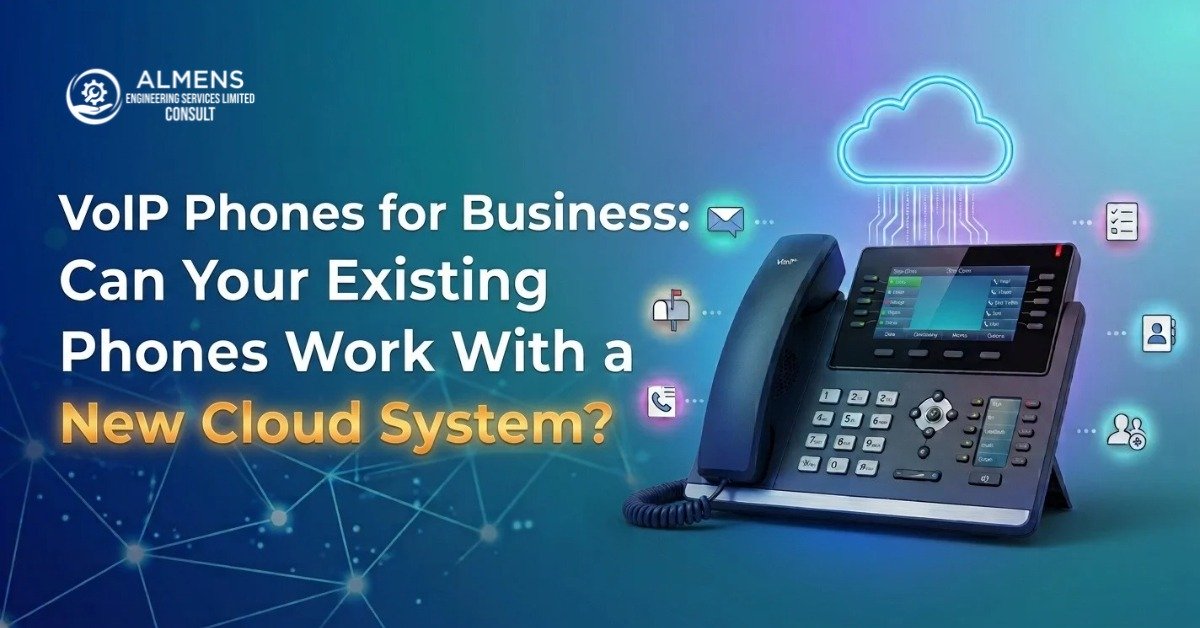

Nobody wants to hear they need to replace all their office phones. It is one of those costs that feels unnecessary, especially when the handsets on the desks look perfectly fine and have been working without complaint for years. So here is the straight answer upfront: some of your phones will almost certainly work. Some will need a small adapter. And a few probably are not worth the effort. Which category yours fall into depends on what they actually are. This guide on VoIP phones for business walks you through it properly so you know before you start.
IP Phones: The Easy Win
If you have IP phones sitting on your desks already, specifically brands like Yealink, Grandstream, Polycom, or Cisco IP phones, there is a reasonable chance you will not need to buy anything new at all. These phones were built to work with SIP-based systems. Moving to a new cloud platform or connecting to a SIP trunk is largely a matter of pointing them at the new system and entering the right credentials.
The part people do not always mention is that age matters here. An IP phone from 2015 might technically support SIP but struggle with the security protocols and provisioning methods that good modern cloud platforms require. Some older models have firmware that can be updated to fix this. Others are just at end of life and not worth the troubleshooting time. A quick model number check with your provider before you commit will tell you whether yours are fine, updateable, or time to go.
Analogue Phones: They Need Help
Traditional analogue handsets, the ones that plug straight into a phone socket, cannot connect to a VoIP or SIP system without some help. They do not speak the right language. What bridges the gap is an ATA adapter, which stands for Analogue Telephone Adapter. It sits between the phone and your network and translates the analogue signal into data the VoIP system can work with.
It is a workable solution in certain situations. A back office phone that just needs to make the occasional call. A reception desk with a basic handset that nobody wants to retrain on. In those cases an ATA is cheap and does the job. For a busy sales team or a customer service function where call quality and features actually matter, buying proper IP phones is a better investment than propping up old analogue hardware with adapters.
Cordless DECT Systems: Check the Base Station
Cordless office phone systems are more complicated. The handsets themselves are usually not the issue. It is the base station that determines whether the whole setup is VoIP-compatible. Some base stations released in the last few years support SIP and can be configured as extensions on a VoIP system. Older ones simply cannot.
If your cordless system has been around for more than five or six years, the realistic answer is probably to replace it rather than try to make it work. The time spent troubleshooting an incompatible base station is rarely worth it compared to the cost of a modern DECT system that works properly from day one.
| Phone Type | Works With VoIP? | What Is Needed | Best For |
|---|---|---|---|
| Modern IP phone (Yealink, Grandstream) | Usually yes | Reconfiguration only | Most office setups |
| Older IP phone (pre-2018) | Check first | Possible firmware update | Low usage extensions |
| Analogue handset | Not directly | ATA adapter needed | Basic back-office use |
| DECT with modern SIP base | Yes | SIP credentials from provider | Mobile office workers |
| Older DECT cordless system | Unlikely | Replace base station | Better to just replace |
| Softphone app on laptop or mobile | Always | Software install only | Remote and hybrid staff |
SIP Trunking Changes This Question Completely
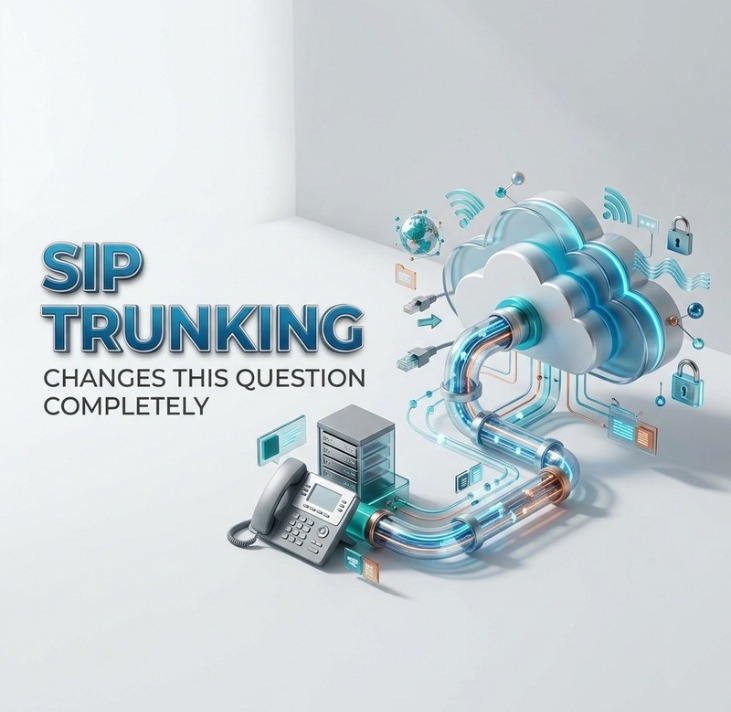
There is something important that gets missed in a lot of these conversations. If you are keeping your existing phone system and just switching the lines from ISDN to SIP trunking, the compatibility question largely disappears. Your phones connect to your PBX. The SIP trunk connects to your PBX. The phones themselves never have to speak VoIP directly. Your team keeps using exactly what they are used to.
This is actually one of the stronger arguments for SIP trunking for business when you have an established phone setup you are happy with. You swap out the ISDN lines, costs drop, and nothing visible changes for the people making calls. If you are deciding between SIP trunking and a full cloud migration, and the phone hardware question is part of that decision, there is more on that trade-off in the guide on SIP trunking for small businesses.
What to Check on Your Phones Before Migrating
If you are going to a hosted cloud system and want to know whether your IP handsets will survive the move, run through these quickly.
- Model number: search it on the manufacturer website and confirm it supports SIP and which version
- Firmware: most IP phones can be updated, and current firmware fixes a lot of older compatibility issues
- G.722 codec: required for HD voice, not all older phones have it, and the call quality difference is noticeable
- Provisioning support: modern cloud platforms use HTTPS provisioning, some older phones only support HTTP
- Physical state: a phone that has been glitchy for two years is not going to get better on a new system
Any decent VoIP provider or SIP trunk provider will go through this with you before you sign anything. It is a completely normal part of the scoping process and costs you nothing to ask for upfront.
Softphones: Worth Considering
A softphone is an app that turns a laptop or smartphone into a full business phone. No hardware at all. Install it, add the credentials from your provider, and it works like any other extension on the system. Transfers, conference calls, voicemail, the full feature set.
For remote workers this often makes more sense than posting out physical handsets. For a hybrid team, running a mix of desk phones in the office and softphones for people working from home is straightforward on any decent SIP trunking or cloud setup. It is not a compromise. The call quality on a good broadband connection is genuinely excellent and most people adapt to it within a day.
The 2027 Deadline Makes This Relevant Right Now
The reason all of this matters more urgently than it might have done a few years ago is the PSTN switch-off. Openreach is shutting down the traditional UK telephone network in December 2027. If your phones are connected to ISDN lines or copper analogue lines right now, those connections are going away. You need a plan for what replaces them. Whether that is a cloud phone system, SIP trunking, or a combination depends on your setup. But you need to know whether your existing hardware is part of that plan or not, and the time to find out is now rather than eighteen months before the deadline.
Channel Count Matters Too
Once you know which phones are staying and how your system is going to be structured, the next practical question is usually capacity. How many calls do you need to handle at the same time? Whether you go SIP trunking solutions or hosted cloud, getting the channel count wrong is either wasteful or disruptive. There is a guide on working out exactly how many channels you need if that is something you are working through.
Why Almens Consult
Almens Consult runs a proper compatibility check on existing phone hardware as part of their consultation. Not a quick yes or no, but actually looking at the models, the firmware, and how they interact with the system being proposed. If your phones are fine they tell you. If some need updating they handle that. If a few need replacing they will say so and source replacements at reasonable cost. The point is there are no assumptions and no surprises after you have already committed to a migration.
FAQs
What is an ATA adapter?
An ATA (Analogue Telephone Adapter) lets an old analogue phone connect to a VoIP system. It converts the analogue signal into data the system can handle. Useful for simple extensions but not ideal for high-usage roles where call quality and features matter.
Will Yealink phones work with any cloud system?
Most current Yealink models are compatible with major cloud platforms and SIP trunking setups. Configuration involves entering SIP credentials into the phone. A good provider will either do this for you or walk you through it clearly.
If I go SIP trunking, do my phones change at all?
Usually not. With SIP trunking you are replacing your ISDN lines, not your phone system. The phones connect to your PBX as they always have. Your team will not notice the difference in day-to-day use.
Is a softphone as reliable as a desk phone?
On a stable broadband connection, yes. Modern softphone apps deliver HD voice, full feature access, and work across both laptops and mobiles. Many businesses find remote workers actually prefer them because there is no separate hardware to deal with.
How do I check if my phones are compatible before committing?
Give your phone model numbers to a VoIP or SIP trunking provider during the initial consultation. Any provider worth dealing with will run through compatibility before recommending anything. Almens Consult does this as standard.